Action
  Adventure
  Arcade
  Board
Board  Casino
  Dress-Up
  Driving
  Puzzle
  Shooting
  Sport
Sport  Strategy
 How to use
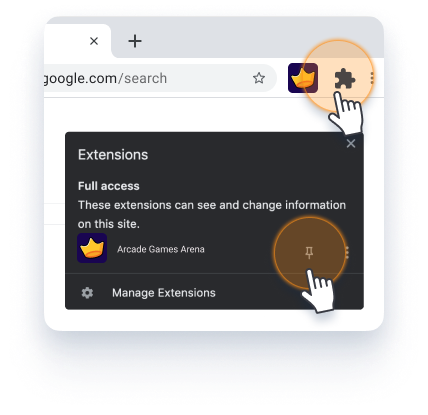
Pin ArcadeGamesArena to your browser by clicking the puzzle icon in the top right corner, then select the pin icon.
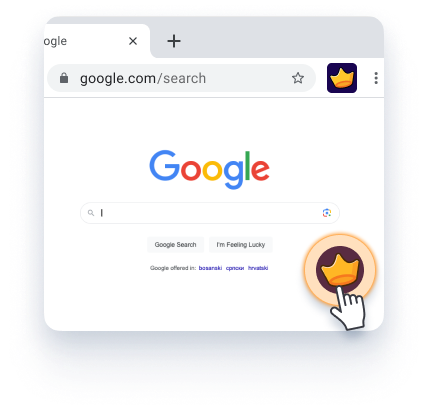
Click the floating action button on any website to open the extension.
To hide the extension button from the page, click the settings icon to get more options.
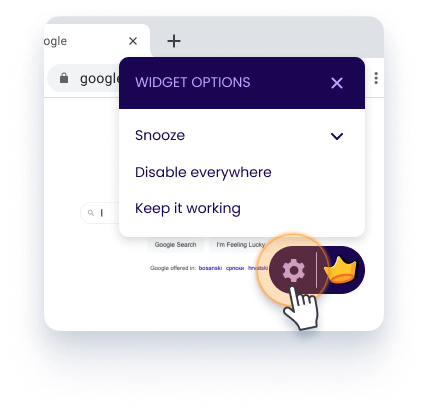
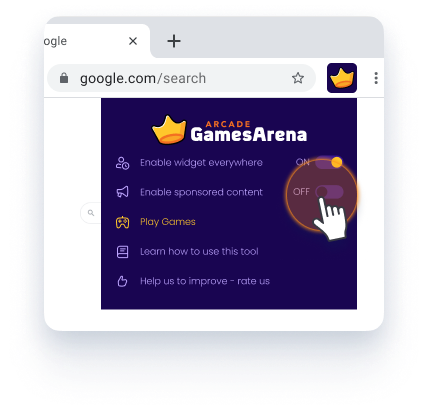
To turn off sponsored content, simply set "Enable sponsored content" to OFF.
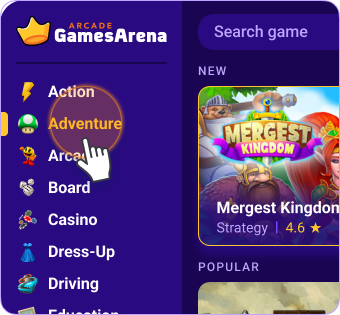
Simply click on the category list to show all games from it.
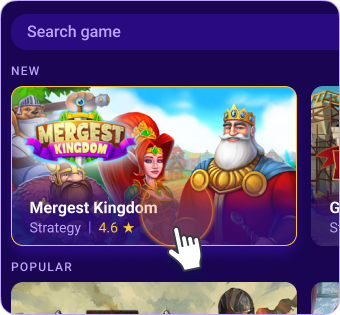
In category view, you can find desired game to play.
While playing game, you can always close or go back on the list.
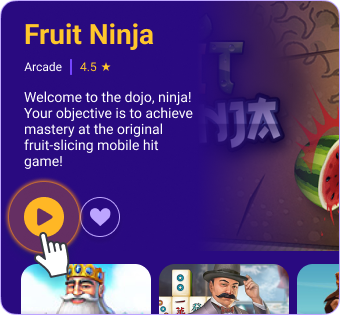
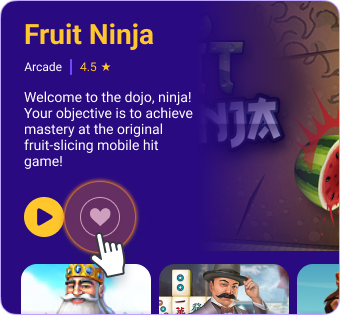
Love a game? Hit the heart and you’ll always find it in your Favourites page.